How to Install a Rob Run Cheat: Elysium RR Setup Guide
Setting up Rob Run cheats for the first time can feel unclear if you have never used a loader before. The good news is that the process for Elysium RR is short, and most problems people run into come down to the same few settings. This guide takes you from payment to an open menu, then covers the common errors and how to fix them.
Before you buy: check your system
Make sure your PC matches what the Rob Run cheat supports:
- Windows 10 or Windows 11, including 26H2
- Intel or AMD processor
- Steam version of Rob Run
- The game set to Borderless or Windowed mode
If you play on a different store or only use exclusive fullscreen, sort that out first. The overlay cannot draw over exclusive fullscreen.
Step 1: Buy a Rob Run cheat plan
Go to the Elysium RR product page on PlayWithCheats and pick a plan:
- 7 Days: $14.99
- 30 Days: $29.99
- Lifetime: $139.99
For a first test of Rob Run cheats, the 7 Day plan is a cheap way to see whether it suits how you play.
Step 2: Open MY ACCOUNT
After payment, log in and go to the MY ACCOUNT section on PlayWithCheats. Everything you need is delivered there:
- Your license key
- The loader download
- A step-by-step guide
Copy your key somewhere safe. You will need it the first time you run the loader.
Step 3: Prepare the game
Open Rob Run through Steam and go to the video settings. Set the display mode to Borderless or Windowed. Then close the game, or leave it at the main menu if the guide in your account says to.
Follow the order in the guide from MY ACCOUNT exactly. If it says to start the loader before the game, do that. Doing steps out of order is one of the most common reasons things do not work.
Step 4: Run the loader
Download the loader from MY ACCOUNT. Right click it and choose Run as administrator. The loader needs admin rights to work properly, and running it as a normal user is a frequent cause of silent failures.
Enter your key when it asks. The loader checks the key and prepares the cheat.
Step 5: Launch and open the menu
Launch Rob Run through Steam and join a match. Wait until you are actually in the game world, not the lobby, or the ESP will not work. Alt+Tab out, press F7 or F8 once to load the cheat, then go back to the game and press Home to open or close the menu. Press F9 if you want to unload the cheat completely.
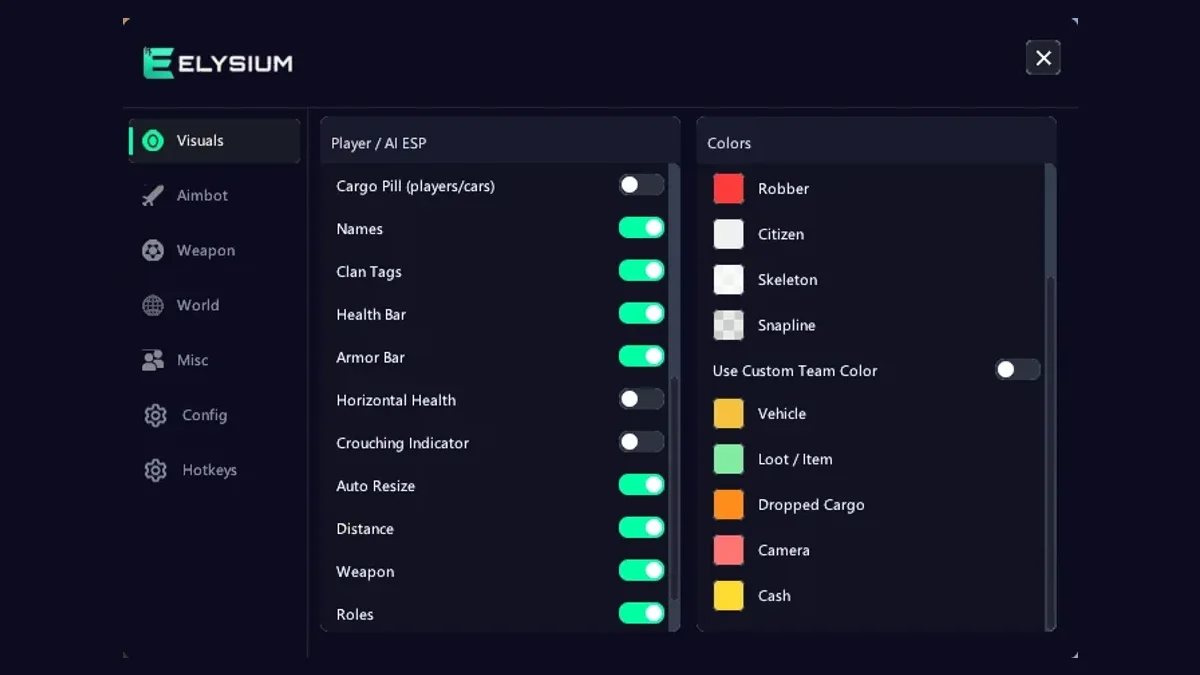
You are in. The Rob Run cheat is now running, so start with the visuals tab and keep things simple at first. Our Rob Run ESP guide is a good place to go next.
Common problems and how to fix them
Most issues fall into a small number of groups.
The menu does not appear
- Check display mode. This is the most common cause by far. If Rob Run is in exclusive fullscreen, the overlay will not show. Switch to Borderless or Windowed.
- Load it in the game world. If you pressed F7/F8 in the lobby, close cheat.exe in Task Manager, join a match and press F7/F8 again, then Home.
- Check the loader finished. If you closed it early or it showed an error, run it again as administrator.
Antivirus removes or blocks the loader
Security software often flags Rob Run cheats and other loaders, because they read other programs' memory. That is the nature of how any external tool works. If your antivirus deletes the file or blocks it from starting, follow the instructions in the guide from MY ACCOUNT on how to handle this. Do not download the loader from anywhere other than your account.
The loader closes or shows a system error
Some Windows security settings and system features can stop loaders from working. The guide in MY ACCOUNT lists the settings to check for your system. Follow it step by step, restart your PC if it tells you to, and try again. If you are not sure about changing a setting, ask on Discord first.
The menu stopped working after a patch
Rob Run updates often change the game in ways your Rob Run hack needs to follow. After a game update, wait for the update notice on our Discord before you run the loader. Using an old build on a new game version can cause the menu to fail or show wrong data. For the reason behind that rule, see our anti-cheat update write-up.
The key is not accepted
Check that you copied the full Rob Run cheat key with no spaces at the start or end. If it still fails, contact support with your order details.
Set up your Rob Run cheats properly
Once it runs, spend a few minutes setting things up properly:
- Save your settings in the config section so you do not lose them
- Bind feature hotkeys for things you toggle often
- Use the diagnostics log if something acts strangely, since support may ask for it
- Leave features the menu marks as risky switched off
The overlay is StreamProof, so the menu and ESP do not show in OBS or Discord capture. That still does not mean you should rage. Our aimbot settings guide covers a calm setup.
Getting help
If you are stuck, our support is on Discord. When you ask for help, include:
- Your Windows version
- What step you reached
- The exact error message, or a screenshot of it
- The diagnostics log if you can open the menu
That makes it much faster to sort out your problem.
Quick setup recap
Buy a plan, open MY ACCOUNT, save your key, set Rob Run to Borderless, run the loader as administrator, enter your key, join a match, press F7 or F8, then press Home. If the menu does not show, check display mode first and run the loader as admin second. Those two fix most first time problems with Rob Run hacks. When you are ready to choose a plan, head back to the product page or visit our homepage for an overview of all features.
Get Elysium RR for Rob Run
External, StreamProof, currently undetected. 7 Days $14.99 · 30 Days $29.99 · Lifetime $139.99
More Rob Run guides
Rob Run Anti-Cheat Update and HWID Bans: Who Gets Hit
If you use Rob Run cheats, you have probably seen the chatter this week: players saying they got hit with hardware bans after the latest anti-cheat changes. Some lost one account. Some say every account on the same PC...
Read article →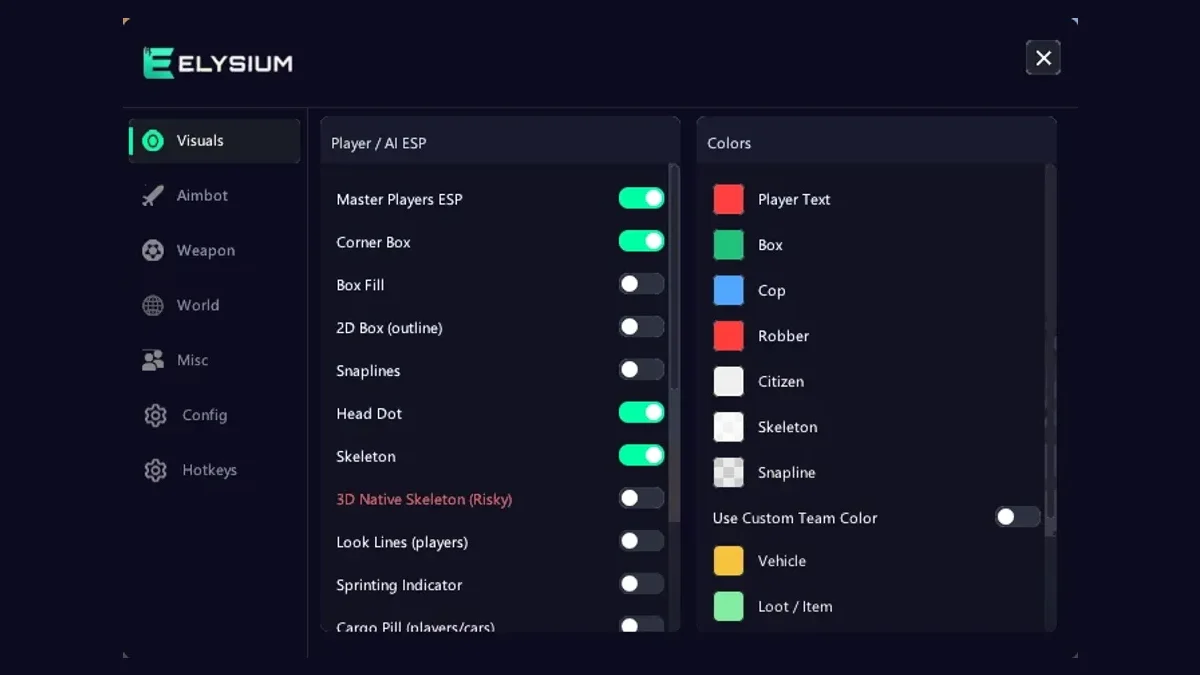
Rob Run ESP Guide: A Player ESP Setup You Can Read
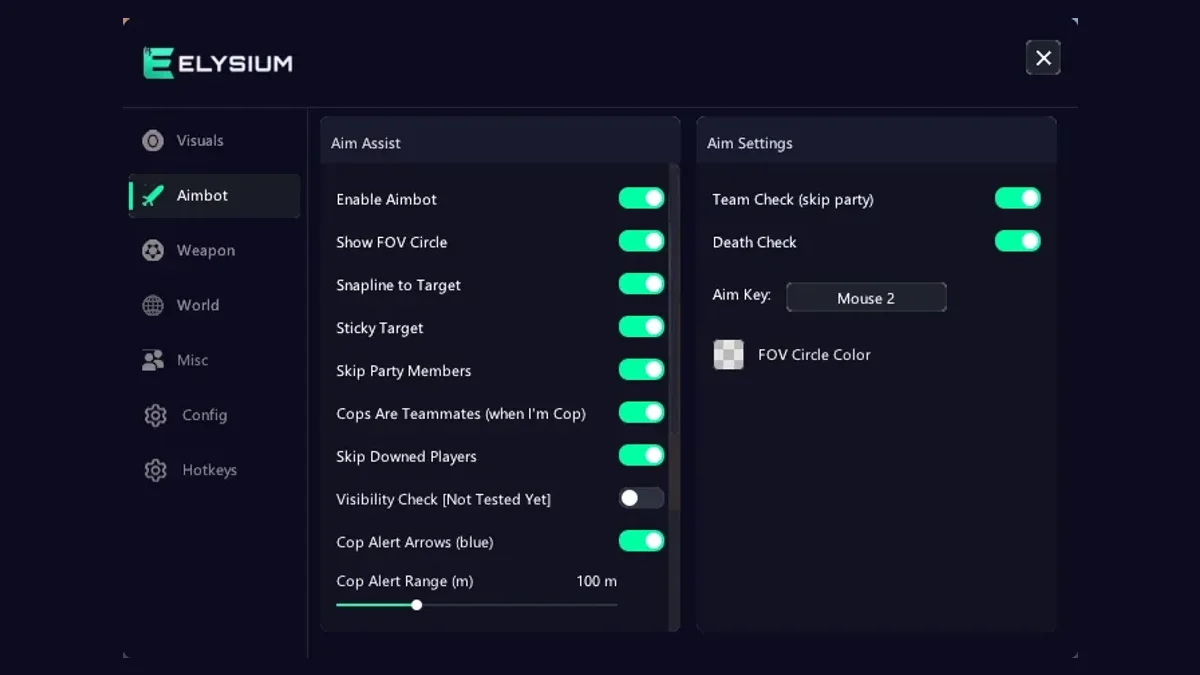
Player ESP is the feature most people turn on first when they try Rob Run cheats, and it is also the one most people set up badly. Switch on every option and your screen turns into a wall of boxes, lines, and text that...
Read article →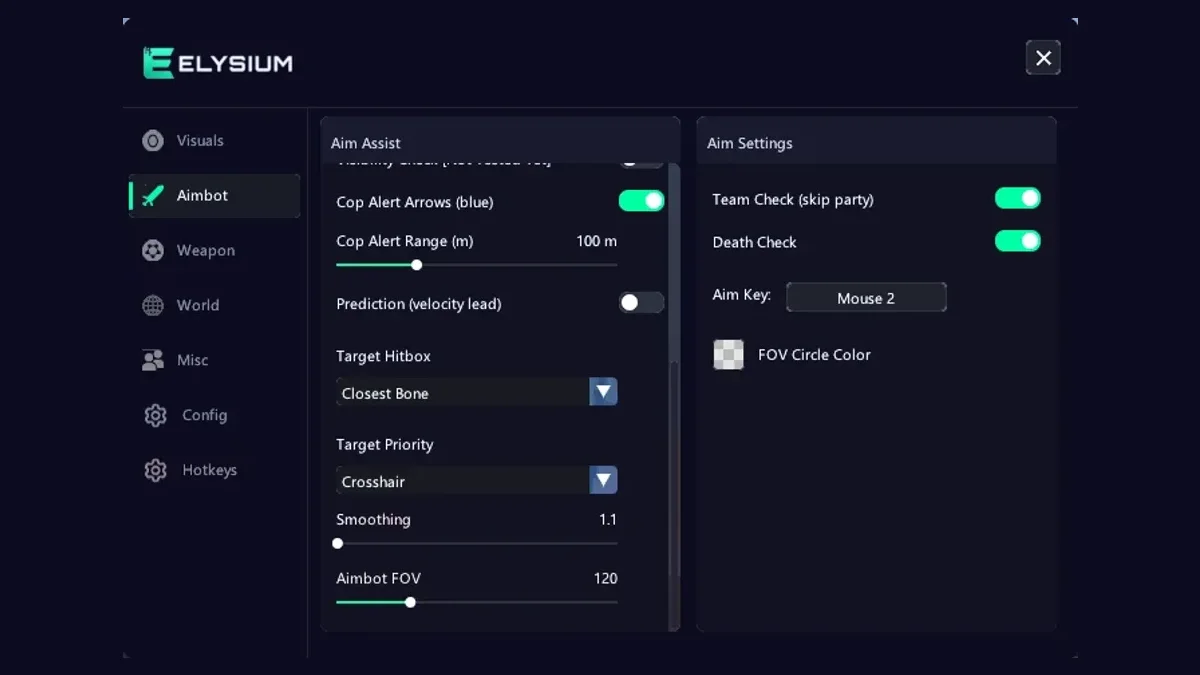
Rob Run Aimbot Settings: Smoothing, FOV and Prediction
An aimbot is the part of Rob Run cheats that other players notice first. ESP happens on your screen. Aim happens in front of everyone. A badly tuned Rob Run aimbot can turn a quiet session into a pile of reports, while...
Read article →